Using Expert Mode allows you to create a mirroring job with a simplified process.
First, go to the Data Mirroring List screen and click the [Configure Job in Expert Mode] button in the expanded action menu at the top right.
Navigate to the Expert Mode Job Creation page and enter all the required information.
Enter Basic Information for the Mirroring Job
This is basic information about the mirroring job. Enter the Job Name and Job Description.
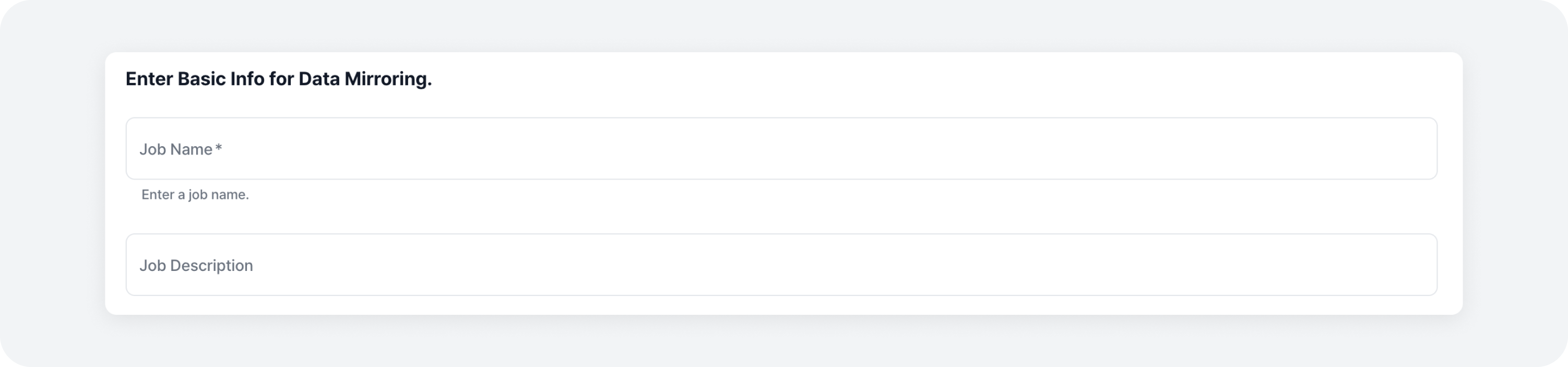
Mirroring Job Settings
Data Replication Connector Settings
These are the settings for the Data Replication Connector. Enter the configurations for the Data Replication Connector. Note that the Data Replication Connector cannot be disabled and must be configured.
name: Name of the Data Replication Connectorconnector.class: Class name of the Data Replication Connectorreplication.policy.class: Policy for determining replicated topic names on the target cluster. Additional settings may be required for each policy.source.cluster.alias: Alias for the source clustersource.cluster.bootstrap.servers: Server information for connecting to the source clustertarget.cluster.alias: Alias for the target clustertarget.cluster.bootstrap.servers: Server information for connecting to the target clustertopics: Topics to replicate (single topic name or regular expression separated by commas)
Consumer Offset Synchronization Connector Settings
These are the settings for the Consumer Offset Synchronization Connector. Enter the configuration values for the Consumer Offset Synchronization Connector. You can enable or disable the use of the Consumer Offset Synchronization Connector by toggling the checkbox.
- connector.class: Class name of the Data Replication Connector
- name: Name of the Consumer Offset Synchronization Connector