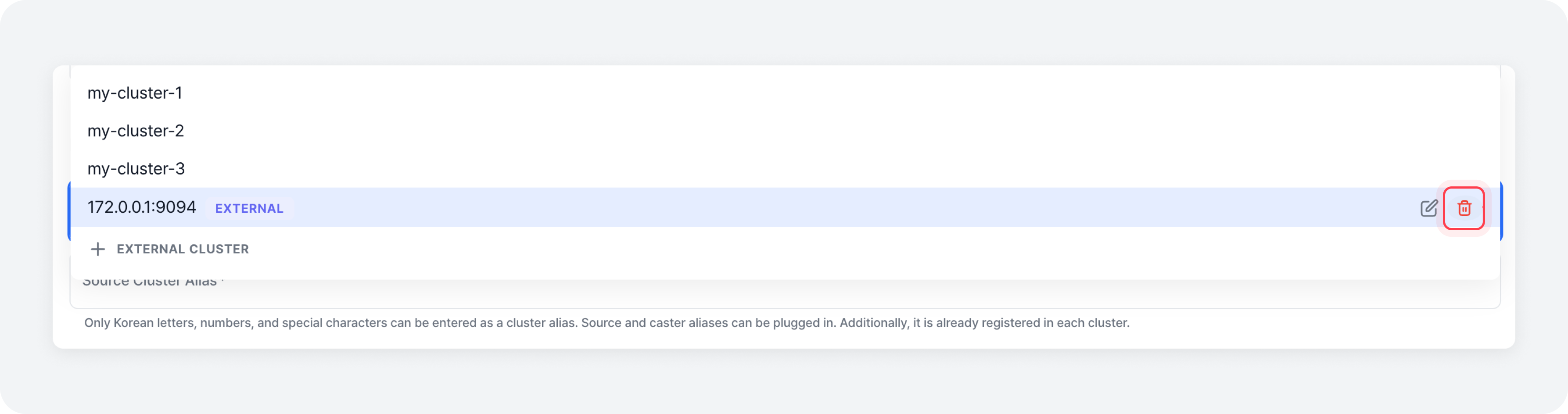
If you want to configure a data mirroring job with a cluster other than those registered in mKC, you need to register that cluster as an external cluster.
Register External Cluster Information
When creating a data mirroring job, click the [Register External Cluster] button at the bottom of the source cluster or target cluster selection list to open the external cluster information addition modal.
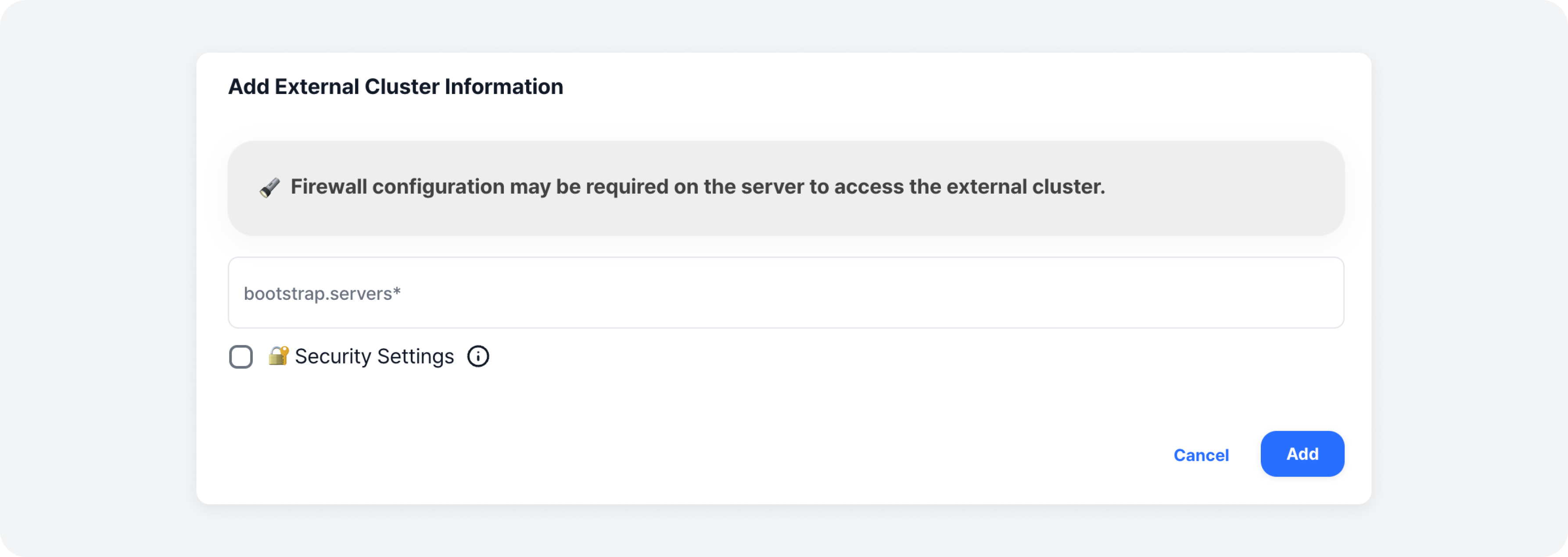
Next, enter the bootstrap server information of the desired Kafka cluster and security settings, then click the [Add] button to complete the addition of the external cluster information. The added external cluster information is stored in the browser’s local storage.
Edit External Cluster Information
After registering external cluster information, click the [Edit] button on the right of the external cluster created in the source or target cluster selection list to open the external cluster information edit modal.
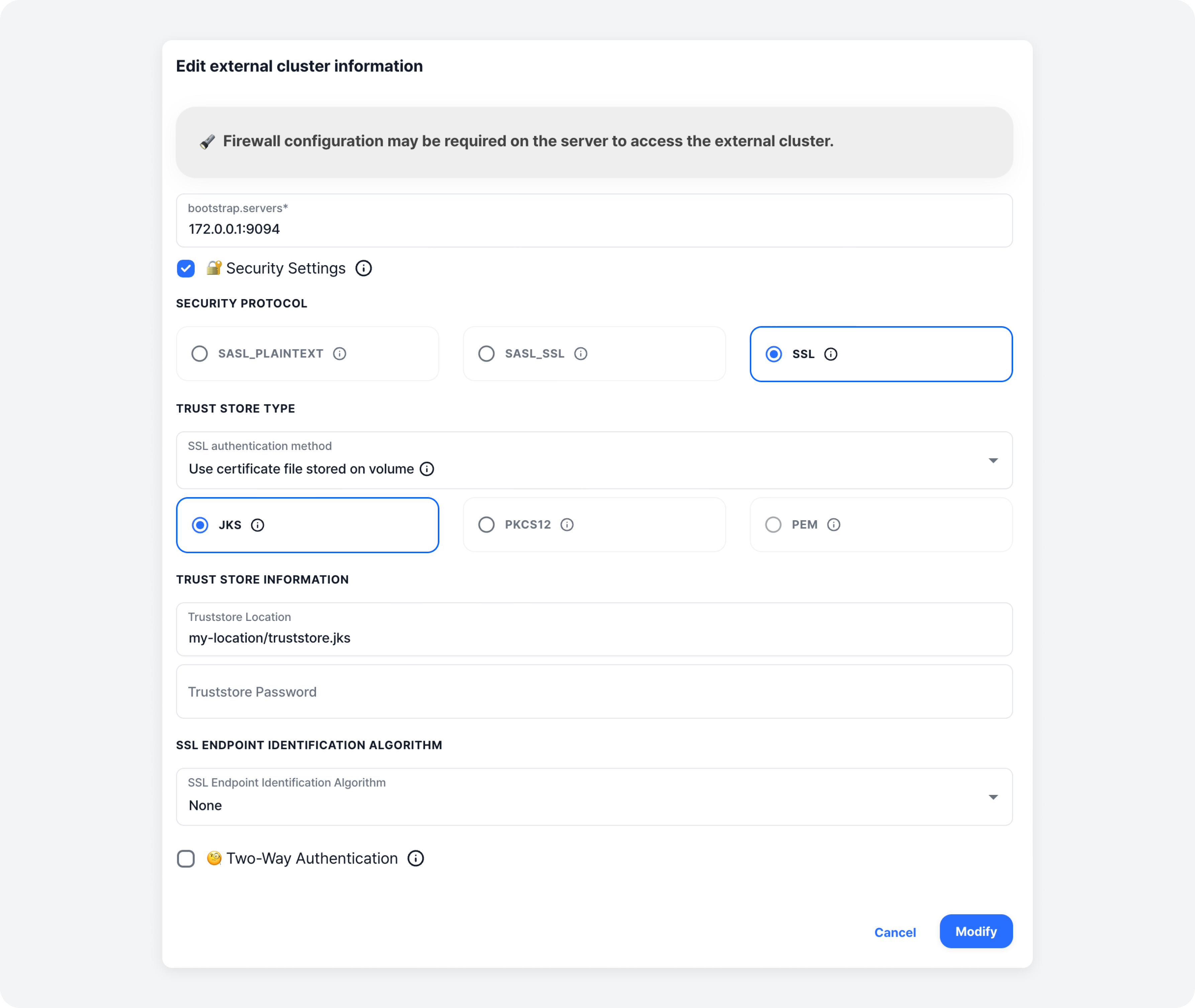
The previously entered information is displayed. If you made any changes, click the [Edit] button to complete the update of the external cluster information.
Delete External Cluster Information
After registering external cluster information, click the [Delete] button on the right of the external cluster created in the source or target cluster selection list to delete the external cluster information.